
Grit: Daily Habit Tracker, by GrittyApps, is one of the better-rated habit trackers on the iPhone: 4.8 from more than 16,000 US App Store ratings. Before you download it or pay for Premium, these are the questions people ask: what’s free, what does Premium cost, is it on Android, and what else is there.
We read every fact below from Grit’s App Store listing, its website, help center and terms on October 25, 2026. One of the alternatives at the end is ours, Habit Rewards; we’ve tried to describe the others fairly.
| Question | Short answer |
|---|---|
| Is Grit free? | Yes, for as long as you like: up to 3 habits, without the Statistics screen |
| What does Premium cost? | US $12.99–$29.99 a year, $1.99–$9.99 a month, or $19.99–$44.99 once |
| Is it on Android? | No. iPhone, iPad, Mac and Apple Watch only |
| Which iPhones? | The current version (6.0.2) needs iOS 26 or later |
| Where is my data? | On your device and in your own iCloud, not on Grit’s servers |
What Grit does well
Grit is a classic habit tracker done carefully, with a lot of thought about the edge cases:
- Good, bad and to-do habits. A bad habit has a limit: it counts as done for the day (or week, or month) if you stay under it.
- Skip vs missed. A skip, for a sick day, keeps your streak and success rate as if the habit wasn’t due; a missed day counts against you. Its help center is clear that skipping is for unexpected circumstances, “but if you just felt lazy you should leave it missed”.
- Vacations pause chosen habits between two dates, and they’re skipped automatically.
- Day Starts At: your day rolls over at 04:00 by default, so a 2 a.m. check-in counts for the day before.
- Apple Health sync, a built-in timer, habit groups, Siri Shortcuts, widgets, achievements for streak milestones, and a redesigned Statistics screen in the October 2026 update.
- Sync through iCloud across iPhone, iPad, Mac and Apple Watch.
What’s free, and what Premium adds
Grit’s help center answers this directly: the free version “lets you create up to 3 habits and doesn’t include the Statistics screen”, and you can use it “for as long as you’d like”. Grit Premium unlocks unlimited habits, Statistics and personalized reminders.
Premium comes three ways, and the US App Store lists several prices for each:
| Plan | US App Store |
|---|---|
| Yearly | $12.99 or $29.99 |
| Monthly | $1.99, $2.99 or $9.99 |
| Lifetime | $19.99, $24.99 or $44.99 |
Several prices for the same plan is normal: developers test prices and run offers, so which one you see depends on when and how you open the upgrade screen (how habit tracker prices compare). Every purchase, lifetime included, works with Family Sharing. To move from a subscription to lifetime, Grit says to cancel and let the subscription run out first, then buy lifetime from the upgrade screen.
Is Grit on Android?
No. Grit runs on Apple devices only: iPhone, iPad, Mac and Apple Watch. Its data lives in your iCloud, and its website links only to the App Store. Apps called “Grit” on Google Play are by other developers.
Why Grit won’t install on some iPhones
The current version, 6.0.2 (October 9, 2026), needs iOS 26 or later. If your iPhone is on an older iOS, update it first, or pick a tracker that supports older versions.
Is Grit worth it?
Yes, if you’re all-in on Apple devices, you want Apple Health and Apple Watch, and you like detailed statistics. Three habits free is enough to try it properly, and lifetime means you never have to subscribe.
Look elsewhere if:
- you use Android, or share habits across an Android phone and an iPad;
- your iPhone can’t run iOS 26;
- you want more than three habits free;
- you want a reward, not only a streak and a chart.
Grit alternatives, by what you’re missing
| If you want… | Try |
|---|---|
| A real reward for each habit, on iPhone and Android | Habit Rewards (ours) |
| Four habits free, as a year-long grid | HabitKit |
| Everything free, as a role-playing game | Habitica |
| Free and open source on Android | Loop Habit Tracker |
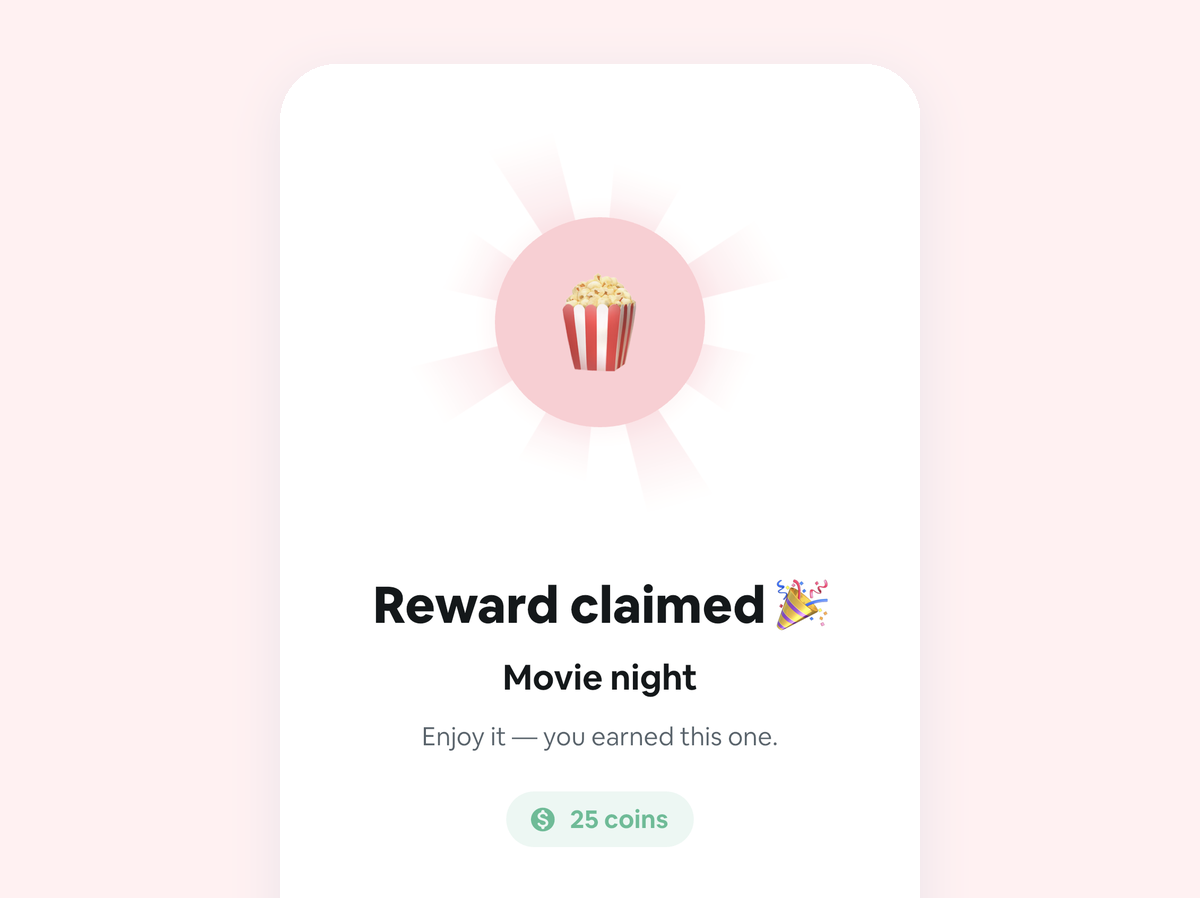
Habit Rewards (ours) pays you for your habits. Every habit earns coins by how hard it is (1, 4, 8 or 16), and you write your own reward list, like a coffee out, a new book or a lazy Sunday, each with a coin price. Check off a habit and the coins land straight away; claim a reward once your balance covers it. Its Skip costs 10 coins and keeps your streak alive on a day off. It’s on iPhone (iOS 15 or later) and Android, free for three habits and three rewards, with Pro by subscription or a lifetime purchase. It doesn’t have an Apple Watch app or Apple Health sync; Grit does.
HabitKit shows each habit as a year-long grid of tiles. It’s on iPhone and Android, free for up to four habits, with Pro by subscription or a one-time purchase (HabitKit alternatives).
Habitica turns your habits, dailies and to-dos into a role-playing game, free on iPhone and Android (apps like Habitica).
Loop Habit Tracker is free and open source on Android, with no ads and no account. It isn’t on iPhone (what to use there instead).
FAQ
Is Grit free?
Yes. The free version has no time limit and tracks up to 3 habits, without the Statistics screen. Premium removes the limits.
How much is Grit Premium?
On the US App Store: $12.99 or $29.99 a year, $1.99 to $9.99 a month, or $19.99 to $44.99 for lifetime access (October 25, 2026).
Is there a Grit habit tracker for Android?
No. Grit is only on Apple devices. On Android, try Habit Rewards, HabitKit, Habitica or Loop.
Does Grit have a lifetime option?
Yes, a one-time purchase that also works with Family Sharing.
Can I cancel Grit Premium?
Yes, from Grit’s settings (Help & Support → Get Support → Cancel Subscription) or in iOS Settings → your name → Subscriptions. Refunds go through Apple at reportaproblem.apple.com.
More comparisons: habit trackers with no subscription, Streaks app alternatives and the best habit tracker apps, grouped by what motivates you.
Habit Rewards is free on iPhone and Android. Grit is a product of GrittyApps; we’re not affiliated with it or with the other apps mentioned. Features and prices change, so check each app’s listing before you buy.
✅ Try Habit Rewards: the habit tracker that pays you
Every habit pays coins by how hard it is (1, 4, 8 or 16). Write your own reward list, put a coin price on each treat, and claim it once you've earned it.
- Daily, weekly and monthly habits, plus one-off tasks that pay coins
- Reminders, streaks and home-screen widgets
- A 10-coin Skip for the days you can't
- Free for three habits, on iPhone and Android

On a computer? Scan the code with your phone (it opens the App Store or Google Play), or get it on the App Store.

Using Notion?
Start with our free Notion habit tracker and formulas, or get the aesthetic Notion Habit Tracker template with heatmaps and streaks.
More articles you may be interested in:
- Free Notion Habit Tracker Templates (and How to Build Your Own)
- Trigger, Behavior, Reward: The Habit Loop Explained With Examples
- Way of Life App Review: Free vs Premium, and the Android App
- Todoist Habit Tracker: How to Track Habits in Todoist (and Its Limits)
- TickTick Habit Tracker: Is It Free, and Is It Enough?
- Strides App Review: Cost, Free Version and the New Android App
Rather track it on your phone? In Habit Rewards every check-off earns coins, and you spend them on rewards you set yourself. Free on iPhone and Android for up to 3 habits.
Get the appFree habit tools and printables
Free, in your browser, no sign-up.