Earn Your Screen Time: A Free Chart You Can Print
List what has to happen before the phone comes out, decide how many minutes each one earns, and set a daily cap. Tick things off and the chart adds up today's screen time. Works for you or for a kid. Free, no sign-up, saved in your browser, and it prints as a one-page weekly chart for the fridge.
Tap a box when the task is done; tap again to undo. Minutes don't carry over to the next day, and nothing past the cap counts. Switching between "For me" and "For a kid" replaces the list with examples and clears the ticks.
This chart lives in this browser only. To earn rewards from your phone, with reminders and streaks, get Habit Rewards (free on iPhone and Android).
How "earn your screen time" works
The idea is a trade: the phone, the game or the show comes after the thing you said you'd do. Each task is worth some minutes, the minutes add up through the day, and screen time is spent from what was earned. It turns "how much screen time is too much?" into a question with a daily answer, and it puts the boring task first, while there's still a reason to do it.
Three settings make or break it:
- The exchange rate. Minutes per task. A simple start is one minute of screen time per minute of effort (a 30-minute walk earns 30 minutes), with quick jobs worth 10–15.
- A daily cap. Without one, a productive Saturday buys an all-night scroll. Pick the most you'd be happy with on a good day; earning past it changes nothing.
- No rollover. Minutes reset at midnight. Banking them for the weekend sounds fair and ends in a five-hour Sunday.
Ideas for what earns screen time
| For adults | Minutes | For kids | Minutes |
|---|---|---|---|
| 30-minute walk or workout | 30 | Homework done | 30 |
| Read 20 pages | 20 | Read for 20 minutes | 20 |
| One focused work block, phone in another room | 30 | Practice an instrument | 20 |
| Dishes done and kitchen wiped | 15 | Make the bed and tidy the room | 10 |
| Call or text back someone you owe | 10 | Play outside | 20 |
| Inbox, bills or one dreaded admin task | 15 | A chore from the chore list | 15 |
| Cook instead of ordering | 20 | Help with dinner or the dishes | 10 |
Keep the list short (four to six tasks) so the chart stays readable, and put the one task that matters most at the top. For kids, write the rules down before the first day: what counts as "done", who checks it, and when screens are off no matter what (dinner, the hour before bed).
Apps that make you earn screen time
A paper chart runs on trust. If you want the phone itself to say no, this is now a whole category of apps: they lock the apps you pick through the phone's own screen-time controls and unlock them when you've done something. The main ones on the US App Store in October 2026:
| App | How you earn | Platforms | US rating |
|---|---|---|---|
| Unrot: Earn your Screen Time | Habits you pick (walk, read, lift, clean) earn coins; coins open the apps you locked. Done with a timer or a photo. | iPhone | 4.7 (about 57,000) |
| Pushscroll | Push-ups, squats and other reps, counted by the camera: one push-up is one minute of app time. | iPhone, Android | 4.7 (about 17,800) |
| PushUp Time | Push-ups, squats or sit-ups counted on the device unlock apps for 15 to 120 minutes. | iPhone, iPad | 4.7 (about 11,600) |
| One Thing | Distracting apps stay locked until you finish one chosen activity for the day; a photo is checked to confirm it. | iPhone | 4.7 (about 900) |
| Habit Rewards (ours) | Habits and tasks pay coins; you price rewards like "1 hour of gaming" or "one more episode" and claim them from your balance. Doesn't lock apps. | iPhone, Android | 4.7 (119) |
The four blockers are subscriptions after a trial (their App Store pages list plans from about $9 to $70). Pick by what you want to earn with: Pushscroll and PushUp Time if exercise is the point, Unrot or One Thing if it's everything else on your list.
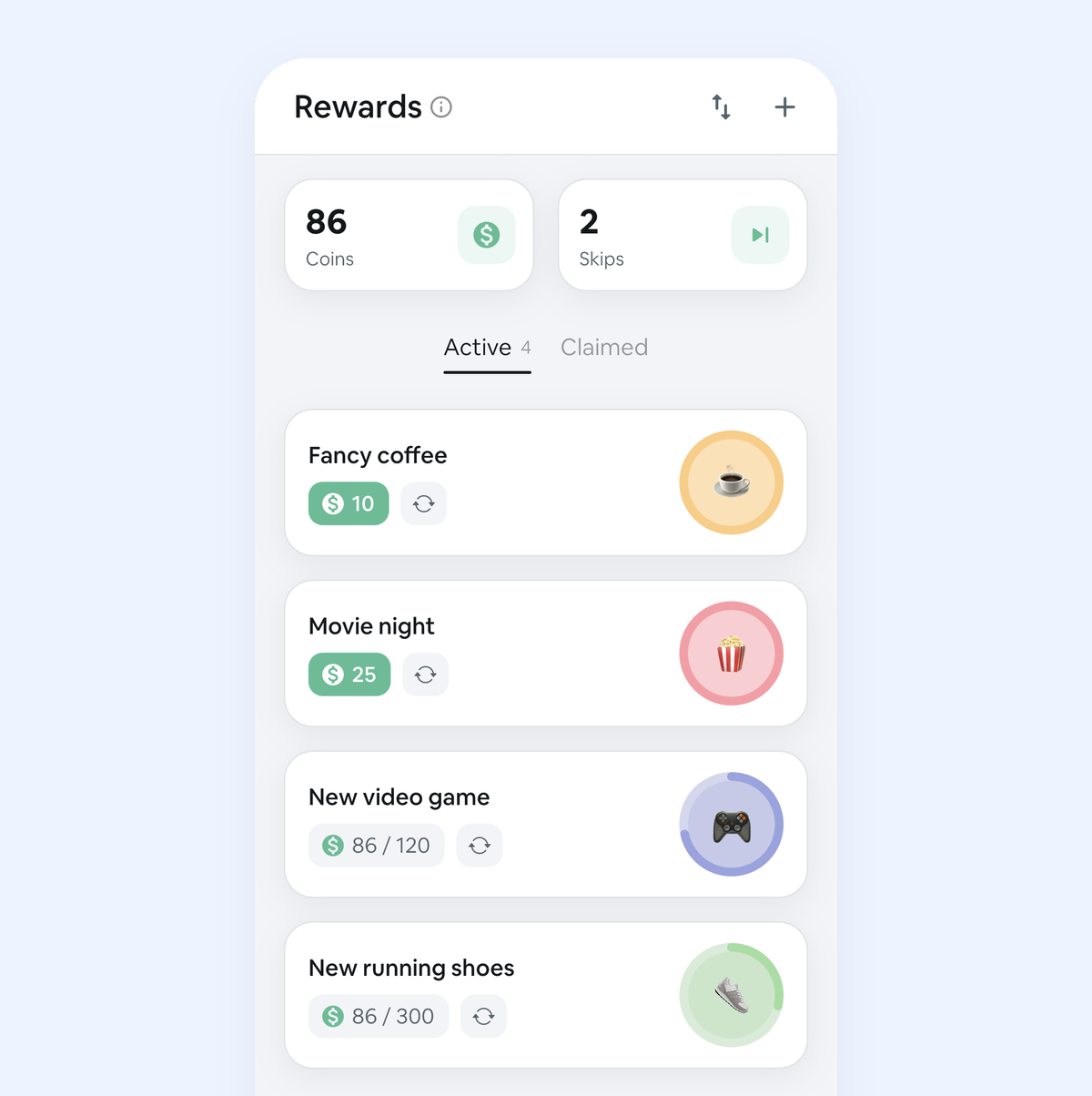
Habit Rewards is the honour-system version, and it's the one we make: there's no lock, so it suits people who mostly need the deal written down. Screen time sits on the reward list next to the other things you'd like to earn (coffee out, a movie night, new running shoes), and every habit pays coins by difficulty (1, 4, 8 or 16). It's free for up to 3 habits and 3 rewards, with reminders, streaks and home-screen widgets. Get Habit Rewards.
A hard limit without another app
Your phone already has the lock. On iPhone: Settings → Screen Time → App Limits, then turn on "Use Screen Time Passcode" and let someone else choose the code; when you've earned more time, they type it in. On Android: Settings → Digital Wellbeing & parental controls → app timers. For a child, Family Sharing (iPhone) or Google Family Link (Android) lets a parent set the limits from their own phone. Pair either with the chart above and the chart decides the minutes while the phone enforces them.
Questions
How much screen time should a task earn?
Start at one minute of screen time per minute of effort and adjust after a week. If the cap is reached by lunchtime every day, the rates are too generous or the tasks too easy; if nobody bothers, they're too stingy.
Does earning screen time work for adults?
Yes, as long as the rules are yours and the screen time is something you actually want. It works best with a cap and a few tasks you'd otherwise put off. If you'd rather earn more than screen time, a reward tracker lets habits pay coins you spend on any reward, and the dopamine detox planner sets rules for the apps themselves.
Should kids earn all of their screen time?
Many families keep some screen time unconditional (a show after school, a weekend film) and let only the extra be earned, so screens don't become the only reason to do anything. The chore chart with rewards does the same trade with coins instead of minutes.