No-Spend Challenge Tracker (Free, Printable)
Pick how long, write your rules (what's allowed, what isn't), then tap each day you spent nothing outside them. You'll see your no-spend days, your longest run and roughly how much money you kept. Print it for the fridge, or come back tomorrow: it stays in your browser, no sign-up.
Still allowed
Not during the challenge
Tap a day to cycle: no-spend, spent, not marked. Days after today open as they come.
What a no-spend challenge is
For a set stretch (a weekend, a week, a month, sometimes a year) you stop all spending except the essentials you list in advance. Rent, bills, groceries from a list and getting to work are usually allowed; takeout, coffee out, online shopping and "it was on sale" are not. A day with no spending outside your rules is a no-spend day, and the goal is as many of them as you can manage.
A no-buy year is the long version with narrower rules: you stop buying a few categories you overspend on (clothes, books, beauty, gadgets) for twelve months and keep living normally otherwise. Pick "A no-buy year" above and list only those categories under "Not during the challenge". The no buy year guide has the rules, a low-buy version and a one-page 2027 template.
Doing No Spend November? Pick "One calendar month" and a start date of November 1, or open the tracker set to November 2026. The No Spend November guide has a week-by-week calendar and how to get through Thanksgiving and Black Friday. Starting in January instead? See No Spend January 2027 (printable calendar included).
Download the 30-day no-spend challenge printable (free PDF, US Letter, prints on A4) → One undated page: Day 1 to Day 30 with a start-date line, free-reward days on 7, 14, 21 and 30, and space for your allowed list, your waits-until-it's-over list and a 48-hour list. Use it for any month.
How to set your rules
- Write the allowed list first. Anything not on it waits. This stops the daily debate about whether a thing counts.
- Groceries come from a list. Shopping for food is fine; the extra snack at the till is the thing you're catching.
- Plan the known costs. A birthday present or a bill due mid-month goes on the allowed list before you start, so it isn't a "slip".
- Use a 48-hour list. When you want something, write it down with the date. If you still want it when the challenge ends, buy it then. Most of the list won't survive.
- Unsubscribe and log out. Delete saved cards from shopping sites and mute sale emails for the length of the challenge.
Rewards that don't cost money
Rewards help a challenge last, but a shopping trip at the halfway point undoes the point. Pick free ones, or pay yourself out of what you saved.
| When | Free reward ideas |
|---|---|
| Every no-spend day | An episode guilt-free, 20 minutes of a game, an early night |
| 7 no-spend days | A library haul, a long walk somewhere new, a lie-in |
| Halfway | A bath and a film you already own, a games night with friends at home |
| The end | Move the money you kept to savings, and keep a small share (say 10%) for one thing from your 48-hour list |
More ideas, sorted by cost, in ways to reward yourself and reward jar ideas. Doing this alongside Dry January? The Dry January tracker counts the money you don't spend on drinks.
When you slip
Mark the day red and move on. A spent day doesn't cancel the no-spend days before it, and the tracker keeps your longest run either way. Look at what happened (tired, bored, a sale email, a friend's plan) and add a rule for it. The day that matters is the next one: James Clear's rule in Atomic Habits is "never miss twice". Missed days and a broken streak are also what the streak tracker is for.
Run it on your phone
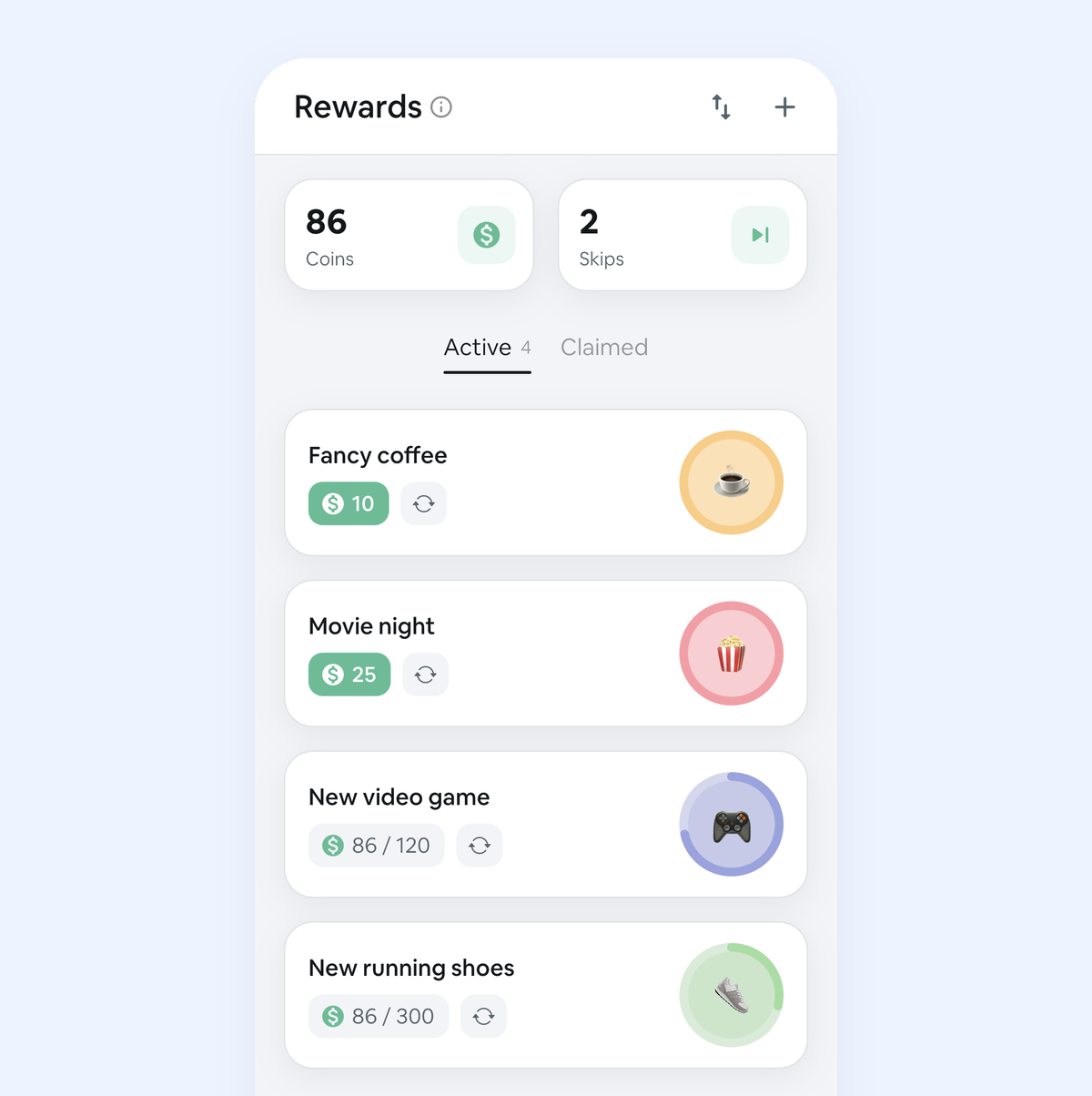
Add "No-spend day" as a habit in Habit Rewards, or set it up with the "Quit a habit" mode as "Impulse buying": each day you stay on track pays coins, a slip you mark costs coins, and the app keeps your streak and sends a reminder. You spend the coins on rewards you price yourself, which is where the free rewards above go. It's free on iPhone and Android for up to 3 habits.
FAQ
Is there a free no-spend challenge printable?
Yes: the 30-day no-spend challenge PDF is free, with no sign-up. Or set your own length and rules in the tracker above and press Print my tracker for a one-page calendar with your lists on it.
What are the rules of a no-spend challenge?
You write them before day 1. Most people allow rent, bills, groceries from a list, medicine and getting to work, and stop takeout, coffee out, online shopping, clothes and new subscriptions. Anything not on the allowed list waits until the challenge is over.
How long should a no-spend challenge be?
Start with a weekend or 7 days if you've never done one, then try 30 days or a calendar month. The tracker does 7, 14, 21, 30 or 90 days, one calendar month, or a no-buy year.
Is there a no-spend challenge app?
Any habit tracker works: add "No-spend day" as a daily habit and check it off each evening. In Habit Rewards each check-off also pays coins that you spend on rewards you set yourself, so the free rewards above become something you earn. It's free for up to 3 habits on iPhone and Android.
How much can a 30-day no-spend challenge save?
Multiply what you'd normally spend on extras per day by your no-spend days: $10 a day over 30 days is $300, $20 a day is $600. Type your daily figure into the tracker and it adds up the money kept for you.